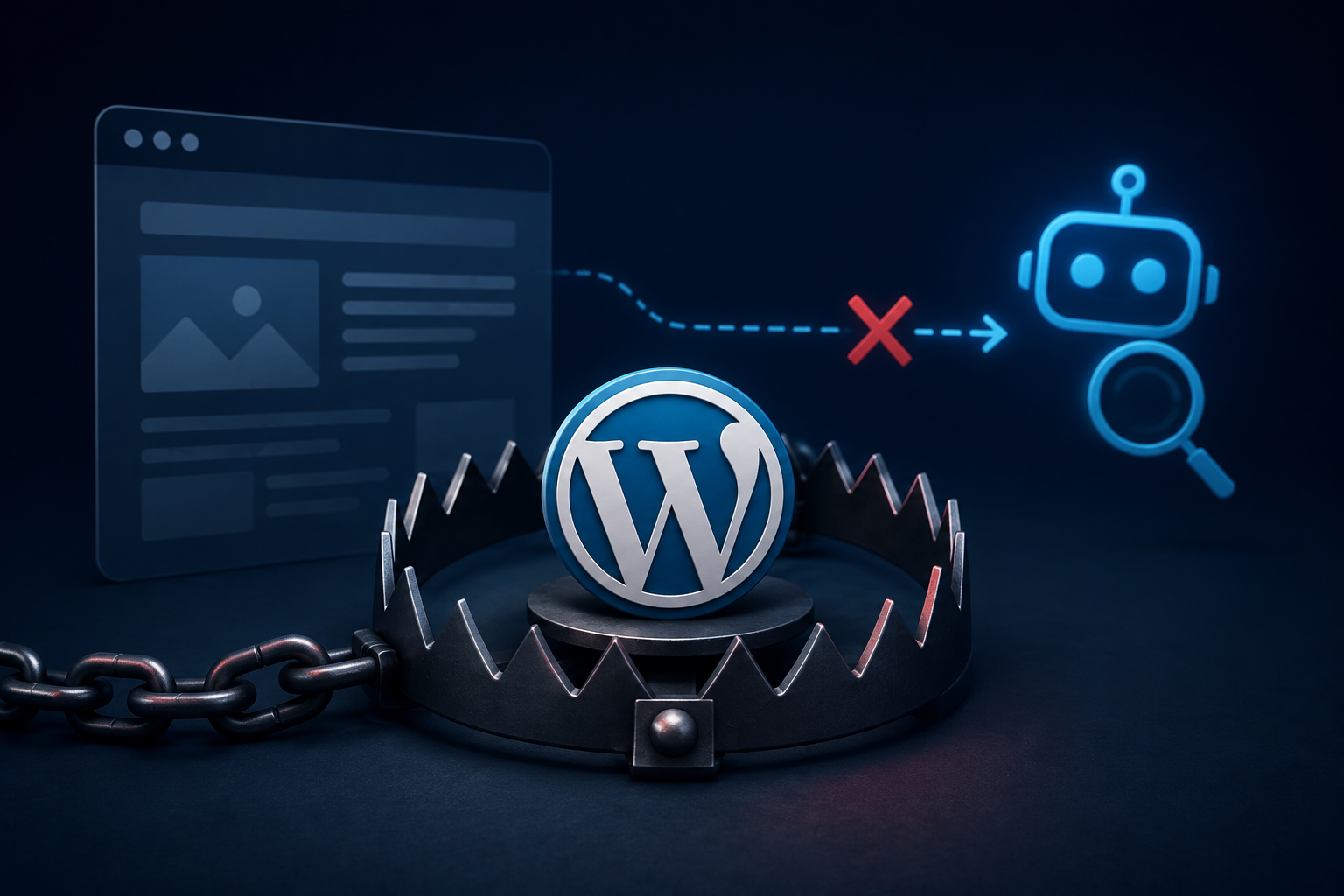
A business owner wants to change one price on one page. She emails her developer. Three days go by, nothing. She follows up. Four more days, and it’s finally fixed. Meanwhile, an AI assistant answering a customer’s question about her pricing is still repeating the old number, because nothing about the site changed in any way an AI system could pick up on. That gap, not the platform itself, is the actual AI SEO trap most WordPress sites fall into.
Quick summary
WordPress can support excellent AI SEO. The problem isn’t the platform, it’s a specific build pattern, fixed developer-controlled templates, that makes small updates slow and expensive for the business owner. That friction causes real content to go stale, and stale content is exactly what breaks AI visibility. The fix is architectural: build for editor freedom from day one, and WordPress handles the rest just fine.
This story repeats itself constantly, and it rarely gets traced back to its actual cause. Most people blame the business owner for being slow to update, or blame “the website” in some vague, unspecific way. The real cause is almost always something decided months earlier, at the build stage, long before anyone thought to ask how easy the site would be to keep current.
Why the trap has nothing to do with WordPress itself
WordPress runs a huge share of the web for a reason. It’s flexible, it’s well documented, and in the right hands it can be built to be genuinely fast, secure, and easy for a business owner to manage day to day. None of what follows is an argument against the platform. If anything, it’s an argument for using WordPress properly instead of leaning on shortcuts that happen to run on top of it.
The trap is a specific pattern some developers fall into, not a limitation baked into WordPress. A recent developer writeup described it well: build a custom template for each page type, attach a set of fields to it, and let the client fill in the blanks. As that writeup put it, the site ends up structured around what the developer built, not around what the business actually needs. It works beautifully at launch. The design stays consistent, the content stays structured, and the developer keeps full control. That full control is where things start to go sideways for the business.
Three months after launch, the business wants to reorder a section or change something the original template never planned for. Someone has to touch code. Nothing about this is WordPress’s fault. It’s a build decision, and a different build decision avoids it entirely.
How this quietly turns into an AI SEO problem
Here’s the part that doesn’t get talked about enough. A site a business owner can’t easily update is a site that drifts out of date, not because anyone’s careless, but because filing a request for every small change is friction, and friction means things get skipped. A price that’s six months stale. A discontinued service still sitting on the page. Seasonal hours that never got updated.
A stale page isn’t just a minor inconvenience anymore. It’s feeding wrong information to every AI assistant a prospective customer might ask.
The Freshness layer, and why it usually traces back to the build
We covered this exact failure mode as the fourth layer of our AI Trust Stack framework: Freshness asks whether the version of a business an AI system is describing still matches reality. What that piece didn’t spell out is how often the reason freshness fails traces back to the site being hard to touch, not to anyone forgetting to update it.
A business owner who can log in and fix a price in thirty seconds does it the day it changes. One who has to email a developer and wait, maybe pay an hourly rate for a two-line edit, lets it sit. Not out of neglect. Just the ordinary, reasonable response most people have to friction.
What this actually looks like on a real site
It rarely shows up as an obvious failure. The site works fine. It looks good. The signs are quieter than that: a pricing page that hasn’t moved in a year despite two rate increases. A “current specials” section still showing an offer that expired last spring. A staff page missing the person hired six months ago and still featuring someone who left.
Every one of these is small and forgivable on its own. Stack a dozen of them across a site, and an AI system ends up working from a meaningfully outdated picture of the business, built from information nobody could fix quickly enough to matter.
The fix: build for editor freedom, not around it
The fix isn’t a plugin bolted onto the same locked-down structure. It’s a different question asked at the start of the build. Instead of “what fields does this page need,” the better question is “what blocks does the editor need access to,” so they can rearrange, add, or remove sections without anyone touching code.
In practice, that means leaning into WordPress’s native block editor rather than working against it, giving the business real structural control instead of just text inside a fixed layout. It means a short walkthrough at handoff instead of assuming every future change becomes a support ticket. And it means treating editor freedom as something decided at the kickoff call, not a favor added later once a client complains.
This is the same argument behind our piece on the real cost of DIY WordPress: decisions that are cheap to get right at the start get expensive to unwind later. An editor-locked site is rarely one bad choice. It’s a dozen small, individually reasonable shortcuts, none of them built with the eighteen-month mark in mind.
We ran into a version of this last year on a site we didn’t originally build. Everything looked fine at first glance. Good design, happy client, no complaints. But every service description lived inside a template field only the developer could touch, and the business had quietly been operating with two discontinued services still listed as current for the better part of a year. Nobody noticed until a prospective customer showed up asking about one of them.
Editor-locked vs. editor-ready
| Change needed | Editor-locked build | Editor-ready build |
|---|---|---|
| Update a price | Email developer, wait days | Log in, edit, done in minutes |
| Add a new section | Requires custom code | Drag in a block, arrange freely |
| Remove outdated content | Often just left in place | Deleted the same day it’s noticed |
| Effect on AI SEO | Stale facts persist for months | Facts stay current, freshness holds |
Why this matters more now than it used to
A stale price page used to just mean an occasionally annoyed customer calling to double-check. Now it means an AI assistant confidently repeating that stale price to someone who never even visits the site, with the business having no idea the wrong number is circulating until a customer mentions it, or doesn’t, and just goes elsewhere.
The cost of a locked-down site used to be measured only in developer invoices for small edits. Now it also shows up in AI SEO performance, since a site that can’t be kept current will eventually be described less accurately than a competitor’s site that gets updated the same afternoon something changes.
Key takeaways for your AI SEO strategy
- WordPress itself isn’t the problem. Fixed, developer-controlled templates are, and they make routine edits slow and expensive for the business.
- That friction causes content to go stale, which is the exact failure mode the Freshness layer of AI visibility is built to catch.
- The fix is architectural: real editor control through the block editor, decided at the start of the build, not added after a client complains.
- A business that can update its own site in minutes keeps its information current for AI systems far more reliably than one waiting on a developer.
- This is now a build decision with real AI SEO consequences, not just a convenience issue for whoever manages the site day to day.
Frequently asked questions
Is this WordPress’s fault?
No. WordPress is fully capable of supporting a flexible, editor-friendly build. The trap comes from a specific template pattern some developers default to, not from anything inherent to the platform.
Can an existing locked-down site be fixed without a full rebuild?
Usually, yes. It typically means restructuring key templates around the block editor and giving the client a short walkthrough, rather than starting over from scratch.
Does more editing freedom risk the site looking inconsistent?
Not if it’s set up properly. Well-built block patterns and reusable blocks let editors update content within real design guardrails, so flexibility doesn’t have to cost visual consistency.
Is this the same as just switching to a page builder?
Not quite. Some page builders solve part of this but introduce their own issues, including bloated markup that can hurt both speed and AI crawlability. The real fix is deliberate structure and a bit of client training, not a specific tool.
Does keeping content current actually affect AI citation?
Yes. AI systems tend to favor current, accurate information when deciding what to cite. A business with consistently updated pricing and services is less likely to be described inaccurately than one running on stale information.
How much does fixing this typically cost?
It depends on how the original templates were built, but restructuring key pages around the block editor is usually a modest, well-scoped project, considerably less than the ongoing cost of paying a developer for every small edit over the following year.
Conclusion
A developer who builds a site to be fast and clean for themselves at launch hands the business a slow, expensive process for every small change afterward. That tradeoff used to be mostly invisible. Now it shows up directly in what AI systems say about the business, months after anyone remembers the original decision was ever made.
None of this is a reason to look past WordPress. It’s a reason to build it properly from the start, with editor freedom treated as part of the plan. That’s exactly the kind of WordPress web development work we do.
