
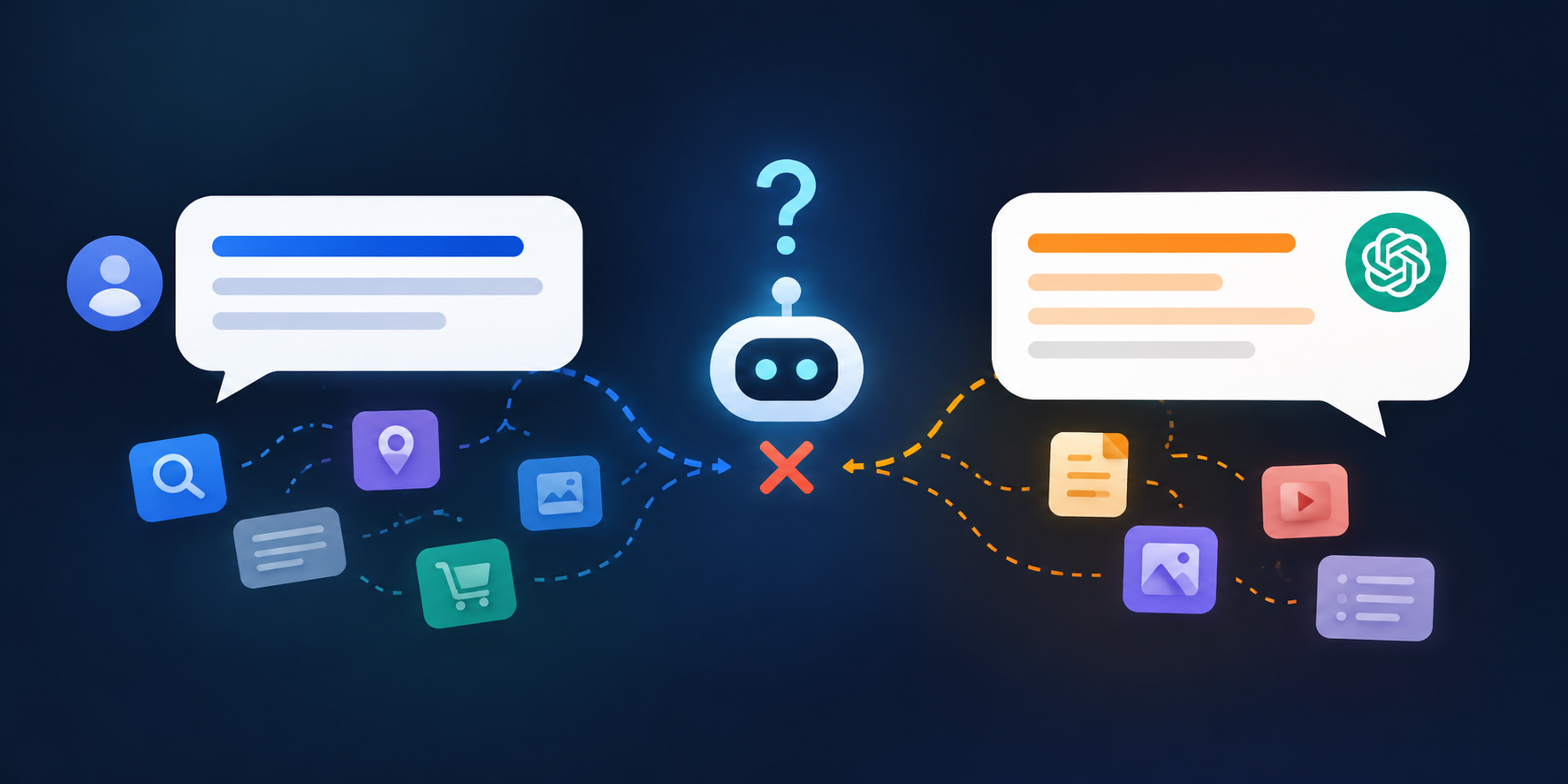
AI search keywords aren’t the same as the keywords you’ve tracked for years. A buyer asks an assistant for “someone to sort my books before tax season”. Your site says you offer “financial wellness partnerships”. The assistant names a firm that used the buyer’s own words. Nothing was wrong with your service. The words just didn’t match.
TL;DR
- AI search keywords are the plain-language phrases and category labels customers use when they describe a need to an assistant.
- If your pages use house language like “solutions” or “partnerships”, the assistant can’t place you in the right category.
- Find the real words in sales calls, enquiry emails, reviews and support chats, then sort them into need, category and constraint phrases.
- Put the plain label first and the brand name second, repeat it across your site and profiles, and test it in a private window.

What AI Search Keywords Are and How They Differ
Classic keywords are short phrases with a monthly search volume. AI search keywords are looser. They’re the whole sentences people type or say to an assistant, and the category labels an assistant uses to sort businesses into groups. “Bookkeeper for freelancers” is a category label. “Someone to sort my books before tax season” is the need phrase that leads to it.
One honest caveat. There’s no reliable public tool that gives you prompt volume the way Keyword Planner gives search volume. Anyone selling you a precise number for how often a prompt is asked is estimating. So the practical way to build a list of AI search keywords is to collect them from real customers, then test them. For more on how agencies approach this, there is a useful overview of AEO optimization in 2026 on our companion blog.
How AI Maps a Question to a Business Category
When someone asks an assistant for help, it does a rough sort. What’s the need? What’s the context? Are there constraints? Then it decides which kind of business fits, and looks for pages that clearly belong to that kind. Good AI search keywords make that category obvious.
That second step is where house language hurts you. If the category is “fractional CFO” and your pages say “strategic financial leadership on demand”, a human can see they’re the same thing. An assistant that is matching on plain labels may not make the leap, or may make it with less confidence than it has for a competitor who simply wrote “fractional CFO”.
I can’t show you the exact weighting inside any model, and nobody outside those companies can. What I can say is that a page which uses the customer’s wording is easier to match on every plausible path, and that costs you nothing to fix.
Where Your Words Drift Away From Your Customers’ Words
Drift happens quietly. Years ago somebody wrote a clever homepage, picked a branded name for each service, and filled in a directory category in a hurry. Look in these places first.
- The homepage headline. Clever lines read well and say nothing a buyer would type.
- Service names. “The Clarity Plan” tells nobody it’s monthly bookkeeping.
- Menu labels. “Solutions” and “Approach” are internal categories, not buyer ones.
- Team bios. Credentials and jargon where a plain description of the work should be.
- Directory categories. Picked once at sign-up, never revisited.
- Old campaign copy. Slogans that still sit on indexed pages.
None of these is a mistake on its own. Together they leave an assistant with very few plain, quotable lines about what you actually do. Weak AI search keywords on a page are usually a symptom of this drift.
How to Find the AI Search Keywords Your Customers Use
You don’t need paid tools for the first pass. You need to listen to customers and write down what they say, word for word. That is how you build a first list of AI search keywords that’s actually yours.
- Sales calls and enquiry emails. The first message a new customer sends tells you more than most reports will. Copy the phrasing exactly.
- Reviews, yours and competitors’. Customers describe the service in their own words when they’re happy.
- Chat and support questions. Real questions, real wording.
- Google autocomplete and People Also Ask. Free, and good for question shapes.
- The person who answers the phone. Ask them how customers describe what they want.
- An assistant itself. Ask how a customer might describe the need. Use it to expand your list, not to prove it.
Put everything in a simple sheet with three columns: the phrase, where you heard it and how often. Ten real phrases from customers beat a hundred guessed ones.
Sorting AI Search Keywords Into Three Types
Once you have your list of AI search keywords, sort it. Three types do most of the work.
- Need phrases. What the customer wants done: “sort my books before tax season”.
- Category labels. The name of the kind of business: “bookkeeper”.
- Constraint phrases. The limits of the request: “for freelancers”, “no payroll”, “in Manchester”.
A strong service page uses all three in its first few lines. The category label tells the assistant what you are, the need phrase says what you do, and the constraint phrase says who you do it for.
Your Wording vs the Customer’s Wording
Here’s how the sort looks in practice. The left column is what many sites say. The middle is what customers say. The right is where to use it.
| Your wording | Customer wording | Where to use it |
|---|---|---|
| Financial wellness partnership | Bookkeeper for my small business | Page title, H1 and first sentence |
| Digital experience studio | Web developer for a clinic website | Homepage subheading and service page intro |
| Strategic growth solutions | Someone to get me more leads | Service headings and FAQ questions |
| Brand storytelling | Logo and branding for a new business | Service page and directory description |
| Wellness-led movement | Physiotherapist near me for back pain | Google Business Profile and local pages |
A Worked Example: A Physiotherapy Clinic Website
Here’s an illustrative case, not a real client. A clinic describes itself as “a movement-led wellness practice”. Its enquiry emails say things like “physio for lower back pain” and “someone to fix my sore shoulder after the gym”. Reviews say “sorted my back out in three sessions”.
The clinic’s AI search keywords are right there in the emails and reviews. The fix is to add a plain line under the headline: “Physiotherapy for back, neck and shoulder pain in [town].” Then it needs service pages named for the conditions people mention, and FAQ questions in the customers’ words. The brand voice stays. The practice just becomes easy to place.
Regional Words Matter More Than You Think
If your customers are in the US, UK and Australia, the same job has different names. A lawyer in New York is an attorney in a contract and a solicitor in London. A CPA in Texas is a chartered accountant in Leeds. A web designer in one market is a web developer in another, and a tradesperson might be called a tradie, a handyman or a repair person.
Assistants pick up on those regional labels, especially when the question includes a place. A site that uses only one version can look like it belongs to a different market. If you serve more than one country, say so, and use each market’s word on the page meant for that market.
Where to Put AI Search Keywords on Your Pages
Once you know your AI search keywords, use them where an assistant is most likely to look and quote.
- Page titles and H1s. Plain label first, brand name second.
- The first sentence under the heading. One sentence that states what you are and who you serve.
- FAQ questions. Write them the way a customer would ask them.
- Your Google Business Profile. Services, description and categories.
- LinkedIn and directory listings. The same plain description, trimmed to fit.
Keep the brand name. “The Clarity Plan (monthly bookkeeping for freelancers)” works well because it carries both. The point isn’t to drop what makes you recognisable. It’s to make sure the plain label is somewhere an assistant can find it. Repeat the same wording across the site and profiles, because mixed signals weaken each other. That is the Consistency layer in our AI Trust Stack.
The Prompt-Vocabulary Test
You can check for a gap in about fifteen minutes. Use a private window and log out of your AI accounts if you can, because a logged-in assistant may remember earlier chats and answer more kindly than it would for a stranger.
- Write five prompts the way a customer would, using the AI search keywords from your list.
- Write five more using your own wording.
- Run all ten in ChatGPT, Perplexity, Gemini and Google’s AI Overviews.
- Note who gets named, how they’re described and which pages are cited.
- Compare the two sets of prompts.
If you’re named for your words but not for the customer’s, the gap is real. If you aren’t named for either, you have a bigger visibility problem, and an AI SEO agency can help you work out whether it’s words, trust signals or something else. Save screenshots and repeat the test after a few weeks. Answers vary between runs, so look for a pattern, not a single result.
Mistakes to Avoid With AI Search Keywords
Most problems with AI search keywords come from doing too much, or from doing it once and never again. Watch for these.
- Stuffing. Repeating one phrase in every sentence reads badly to people and models alike.
- Dropping the brand. Plain labels work alongside your name, not instead of it.
- Copying a competitor’s wording exactly. Use the same category word, but say your own thing about it.
- Chasing every synonym. Pick the two or three phrases customers use most and be consistent.
- Ignoring the second language of your market. Regional words and jargon from your customers’ industry count too.
- Doing it once. Customers’ language moves. Check your list every quarter.
Turn AI Search Keywords Into a Quarterly Habit
The best version of this isn’t a project. It’s a habit, and the sheet becomes living research into your AI search keywords. After every sales call, someone adds one new phrase to the sheet. Once a quarter, you read the list and ask which phrases appear on your pages and which don’t. Then you fix two or three.
That small loop does more over a year than a one-off rewrite, because it keeps your pages in step with how customers actually talk. If you’d like help setting it up, Kinsh Technologies runs this as a vocabulary and prompt audit inside our AI SEO services. And if you’re comparing providers, our companion blog on AI SEO professionals shows what the work looks like from the inside.
Key Takeaways on AI Search Keywords
- AI search keywords are the sentences and category labels customers use, not just short phrases with a search volume.
- House language hides you from assistants that match on plain labels.
- Collect the words from sales calls, emails, reviews and support chats, and sort them into need, category and constraint phrases.
- Put the plain label first and the brand name second, and repeat it everywhere your business is described.
- Test with customer wording and your wording, in a private window, and repeat every quarter.
Frequently Asked Questions
How many AI search keywords should I target?
Start with ten to fifteen real phrases from customers, sorted into need, category and constraint types. Use the strongest three or four on each key page, and add more as you hear them.
What are AI search keywords?
They’re the natural-language phrases and category labels people use when they describe a need to an AI assistant. They include whole sentences, not only short keyword phrases.
Is there a tool that shows how often AI prompts are asked?
Nothing reliable and public. Some tools estimate prompt volume, but treat those numbers as rough. Real customer wording and your own testing are more dependable.
Do I still need traditional keyword research?
Yes. Classic keywords still drive search traffic and often overlap with AI search keywords. Treat them as one input, then add the customer’s own sentences on top.
Find Out Which Words Are Costing You Recommendations
We run a vocabulary and prompt audit across the major assistants and show you where the wording gap sits.
