
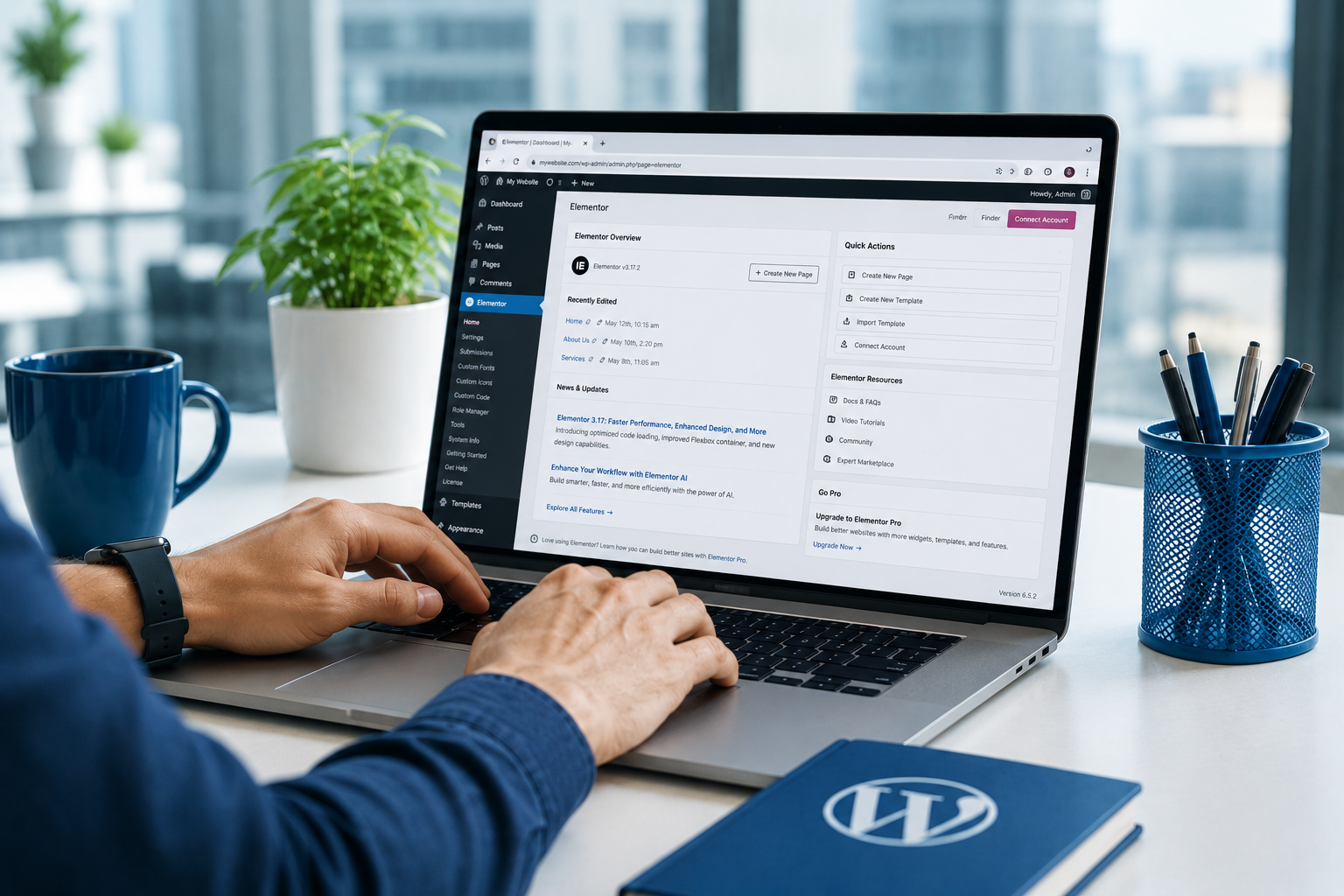
A $100 theme, a free page builder, and a weekend of YouTube tutorials feels like a smart way to launch a website without paying for proper WordPress web development upfront. For a lot of small businesses, it works fine for the first few months. Then a plugin update breaks the checkout page the week before a big sale, or the site gets hacked through an unpatched theme file, or a “quick redesign” turns into three days of untangling a homepage nobody fully understands anymore, including the person who built it.
TL;DR
DIY WordPress builds tend to fail quietly at first and expensively later, because the mistakes that cause the most damage, like stacking incompatible plugins, skipping staging environments, and ignoring database bloat, don’t show symptoms until months after the decision was made. By the time the problem is visible, fixing it usually costs far more than proper WordPress web development would have cost from the start. This article walks through the seven most common DIY mistakes and what they actually cost to unwind.
Why DIY WordPress Looks Cheap at the Start
The upfront cost comparison between DIY and professional WordPress web development is genuinely lopsided: a theme costs under $100, most page builders have a free tier, and hosting can run $10 a month. Against that, a properly scoped WordPress web development project looks expensive by comparison, at least in the first month.
What that comparison leaves out is time horizon. A DIY build’s real cost isn’t the theme or the hosting bill, it’s everything that compounds silently underneath a site that looks finished but was never actually built, the way disciplined WordPress web development requires, to hold up under updates, traffic growth, or a redesign six months later.
The Seven Mistakes That Compound Into a Five-Figure Fix
Each of these seven mistakes is exactly the kind of thing sound WordPress web development practice is designed to prevent from the outset, rather than clean up after the fact.
1. Stacking Incompatible Page Builder Plugins
Adding a second or third page builder plugin to get one specific feature the first one doesn’t support is a common shortcut, and it works right up until the plugins conflict with each other during an update, breaking layouts across the entire site at once. Untangling which plugin is actually rendering which section of a page, months after the fact, is slow, careful work that a considered WordPress web development approach avoids by choosing one builder deliberately from the start.
2. Skipping a Staging Environment Before Updates
Updating a live production site directly, without testing on a staging copy first, means every plugin or theme update carries the risk of taking the site down with zero warning. A staging environment costs a small amount of setup time, and it’s a standard part of any professional WordPress web development workflow. Recovering a broken live site during business hours costs considerably more, in both direct fees and lost transactions while it’s down.
3. Ignoring Database Bloat Until the Site Crawls
Every draft revision, spam comment, and abandoned form submission accumulates in the WordPress database indefinitely unless something is actively cleaning it out. A database that’s never been maintained can grow large enough to slow every single page load, and by the time that’s noticeable to a visitor, cleaning it up safely without losing real content takes far more care than the routine maintenance a good WordPress web development retainer would have handled along the way. Stores running WooCommerce feel this especially fast, since every abandoned cart and guest checkout attempt adds its own rows to a database nobody is watching.
4. Leaving Default Admin URLs and Weak Security Exposed
A default /wp-admin login URL, a generic “admin” username, and no login attempt limiting is an open invitation to automated attacks that scan the web constantly for exactly this configuration. Recovering a hacked site, restoring clean backups, and auditing for any injected malicious code is a materially bigger job than the basic hardening steps that would have prevented it, and it often costs additional time in the following weeks confirming search engines haven’t flagged the site for spreading malware in the meantime.
5. Mismatched Theme and Plugin Dependencies
A theme and a handful of plugins that all worked together at launch can quietly drift out of compatibility as each one updates independently over time, until a routine WordPress core update breaks something nobody touched directly. Diagnosing which specific combination of versions caused the failure, after the fact, takes far longer than the version tracking a proper WordPress web development process maintains as a matter of routine.
6. No Real Backup Strategy
A single backup taken at launch, or reliance on a host’s default backup without ever testing that a restore actually works, is not a backup strategy. When something does go wrong, whether it’s a hack, a bad update, or human error, the absence of a tested, recent, restorable backup turns a routine fix into rebuilding the site from whatever fragments can be recovered.
7. Site Structure Decisions Made for Launch-Day Speed
Flat, ungrouped page hierarchies, inconsistent URL patterns, and content organized around what was fastest to publish rather than how the business actually operates all feel harmless at launch. Unwinding those decisions later, once real content, real backlinks, and real search rankings depend on those URLs, requires careful redirects and restructuring that thoughtful WordPress web development planning would never have needed in the first place.
Mistake, Why It Looks Fine at First, and What It Costs Later
The table below lines up each mistake against its early appearance and its real cost once it surfaces.
| Mistake | Looks Fine At First Because | Real Cost Later |
|---|---|---|
| Stacked page builders | Each one works fine in isolation | Site-wide layout breakage after an update |
| No staging environment | Updates have gone fine so far | Emergency recovery during business hours |
| Database bloat | Slowdown is gradual, easy to ignore | Careful, time-consuming cleanup under pressure |
| Weak default security | Nothing’s happened yet | Full hack recovery and malware audit |
| Mismatched dependencies | Everything worked together at launch | Diagnosing a break with no clear cause |
| No tested backups | A backup exists somewhere | Rebuilding from fragments after real data loss |
| Launch-day site structure | It was the fastest way to publish | Complex redirects to protect rankings later |
What Doing It Right the First Time Actually Looks Like
None of this means WordPress itself is the problem. WordPress remains one of the most capable, cost-effective platforms available precisely because it’s flexible enough to support both a rushed weekend build and a carefully architected, properly maintained site. The platform doesn’t create the risk. The shortcuts do.
And That’s Before Accounting for AI Visibility
Even a well-maintained, stable site built through proper WordPress web development can still have a separate, less obvious problem: content that looks perfectly fine to a human visitor but is effectively invisible to the AI systems now shaping a meaningful share of how customers find businesses. We’ve covered this specific gap in detail in our breakdown of whether your WordPress site is actually visible to AI, which is worth checking once the foundational issues above are addressed.
Key Takeaways
- DIY WordPress builds tend to look cost-effective upfront and expensive later, because the riskiest shortcuts don’t show symptoms until months after the decision was made, which is exactly the gap disciplined WordPress web development closes.
- Stacking incompatible page builder plugins and skipping staging environments are two of the most common causes of sudden, site-wide breakage.
- Unaddressed database bloat and weak default security settings both start as invisible problems and end as expensive, urgent fixes.
- A backup strategy that’s never been tested with an actual restore is not meaningfully different from having no backup at all.
- Site structure decisions made for launch-day speed become expensive to unwind once real search rankings and backlinks depend on those URLs.
- None of these problems are inherent to WordPress itself; they come from shortcuts taken during a DIY build rather than a proper WordPress web development process, not from a limitation in the platform.
Frequently Asked Questions
Is it ever fine to build a WordPress site without a developer?
For a very simple, low-stakes site with minimal ongoing changes, it can work reasonably well without formal WordPress web development involved. The risk rises sharply as a site adds e-commerce, custom functionality, or any real dependency on search visibility and uptime.
How much does it typically cost to fix a badly built DIY WordPress site versus building it properly from the start?
It varies by the specific damage, but untangling plugin conflicts, restoring a hacked site, or rebuilding a broken URL structure after the fact commonly costs several times what properly scoped WordPress web development would have cost initially, since a developer now has to diagnose existing problems before making any actual improvements.
How do I know if my current WordPress site already has some of these problems?
A slow admin dashboard, a site that’s never had a tested backup restore, plugins that haven’t been updated in over a year, or a URL structure that was never planned around your actual content categories are all reasonable signs worth having a developer review.
Does switching to a more expensive premium theme fix these problems?
Not on its own. A premium theme can reduce some risk, but the mistakes covered here are about process and maintenance decisions, not which specific theme was used, so a better theme without a better process still carries most of the same risk.
Is migrating away from a DIY build always necessary, or can it be fixed in place?
Most of these issues can be fixed in place without a full rebuild, provided the underlying content and structure are salvageable. A full migration only becomes the better option when the accumulated technical debt makes in-place fixes slower and riskier than starting clean.
What’s the first thing a developer usually checks when auditing a DIY WordPress site?
Most audits start with the plugin list and update history, since outdated or abandoned plugins are the single most common source of both security vulnerabilities and compatibility breakage. From there, checking whether backups actually restore successfully is usually the second priority in any thorough WordPress web development audit, since it determines how much risk exists in touching anything else.
Conclusion
The real cost of a DIY WordPress build rarely shows up on day one. It shows up months later, as a broken checkout, a hacked login, or a redesign that takes three times longer than it should have, because none of the underlying decisions were made with the discipline that proper WordPress web development brings from the start.
If any of these seven mistakes sound familiar, the fix is rarely a full rebuild from scratch. It’s usually a properly scoped WordPress web development review that addresses the actual root causes, and for businesses that would rather hand the ongoing work to someone else entirely, it’s exactly the kind of work our team handles when you hire a WordPress developer through Kinsh Technologies.
